Multi-Organisation & Multi-Branch Setup (New Section)

INDPayroll supports multi-entity payroll management, ideal for enterprises operating across multiple cities, states, or business verticals.

Navigate to Company Settings → Multi-Organisation Setup.

A. Organizational Hierarchy Configuration

Define multi-level corporate structures:

  • Parent Company
  • Subsidiaries
  • Branches
  • Business Units
  • Departments

Each entity can have its own:

  • Payroll rules
  • Statutory configurations
  • Attendance policies
  • Holiday calendars
  • Reporting heads

B. Add and Configure Additional Organizations

For each new entity, specify:

  • Organization name & type
  • Location & jurisdiction (mandatory for PT, PF office codes, etc.)
  • Independent or shared payroll cycle
  • Separate bank accounts for salary disbursement
  • Entity-wise statutory registration numbers (PF, ESI, PT, TAN)

C. Assign Employees to Entities

Employees can be mapped to:

  • Primary organization
  • Branch
  • Department
  • Reporting manager

Transfer rules allow:

  • Inter-branch transfers
  • Inter-entity migration with audit history
  • Salary structure carry-over or recalculation based on entity policies

D. Entity-Wise Reporting & Permissions

Each organization can maintain:

  • Custom dashboards
  • Separate pay runs
  • Dedicated approvers

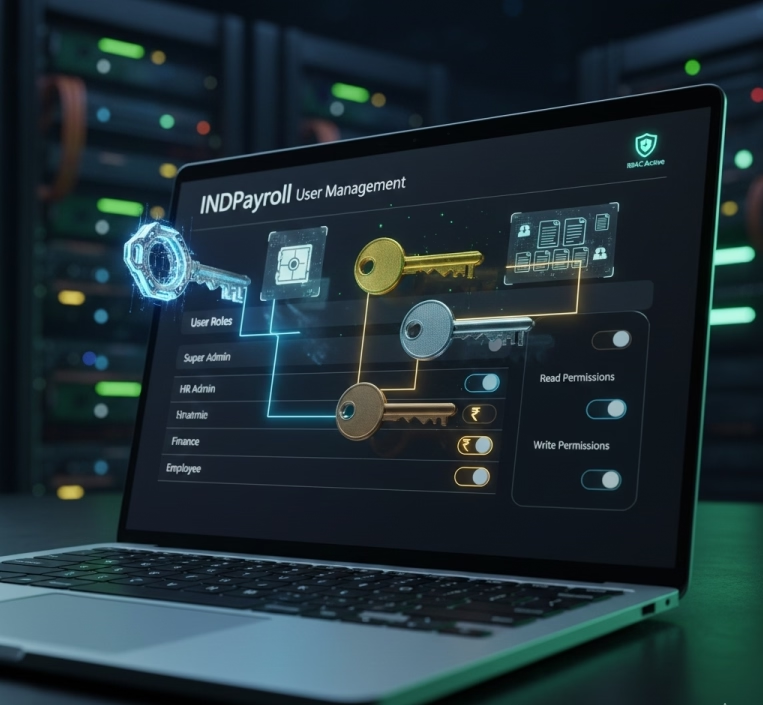
Role-based access ensures that:

  • HR/Payroll managers see only their assigned entities
  • Leadership sees consolidated analytics across all entities

E. Benefits of Multi-Organisation Setup

  • Scalability for growing businesses
  • Fully compliant state-specific statutory handling
  • Centralized control with decentralized operations
  • Consolidated reports for finance and audits
  • Standardized policy application across branches
Statutory Configuration

A critical part of setup ensuring adherence to Indian labor laws and tax regulations.

Navigate to: Company Settings → Statutory Compliance

A. Provident Fund (PF)

Configure EPF parameters:

  • Employee & Employer PF Contribution % – Standard 12% or custom setup.
  • PF Wage Ceiling – ₹15,000 or full-wage PF as per policy.
  • UAN Integration – Auto-linking with employee UAN numbers.

B. Employee State Insurance (ESI)

Enable ESI for eligible employees:

  • Automatic Eligibility Check – Based on salary threshold (as per current law).
  • Auto-Deduction – Ensures accurate monthly contributions.
  • ESI Report Downloads – For filing and audit.

C. Professional Tax (PT)

State-wise PT rules:

  • Slab-Based Deductions – Auto-applies based on salary.
  • State-level Variations – Maharashtra, Karnataka, West Bengal, etc.
  • PT Certificates & Reports – Auto-generated for each cycle.

D. TDS Configuration (Income Tax)

Define tax deduction settings:

  • Tax Slabs – Old regime, new regime.
  • Exemptions & Deductions – HRA, Section 80C, 80D etc.
  • Investment Declaration Window – Employee submission timeline.
  • Automatic TDS Calculation – Based on projections and proofs.

E. Statutory Document Uploads

Upload your compliance documents:

  • Form 16 (Part A & B)
  • Form 24Q
  • Challan PDFs
  • PF/ESI/GST certificates

F. Compliance Alerts

INDPayroll provides proactive reminders for:

  • PF, ESI, PT, TDS filing deadlines
  • Challan payments
  • Annual returns
  • Policy expiry notifications

Configure Payroll Policies

Payroll policies define how the organization manages employee compensation, attendance, and statutory compliance.

Navigate to Company Settings → Payroll Policies.

A. Work Schedule Settings

Define the structural rules for employee working hours:

  • Weekly Workdays – 5-day/6-day week or custom.
  • Shift Configuration – Multiple shifts, flexible hours, rotational shifts.
  • Grace Periods – Late entry/early exit tolerance.

B. Holidays & Leave Framework

Standardize organizational leave structures:

  • Public Holidays – Add region-specific or organization-wide holidays.
  • Leave Types – CL, SL, EL, compensatory off, maternity/paternity leaves.
  • Carry-Forward Rules – Maximum carry-forward limits, lapse rules, and encashment policies.
  1. Overtime Eligibility

Set rules for calculating overtime compensation:

  • Hourly/Monthly Basis – Overtime rate derived from basic wage or gross wage.
  • OT Multipliers – 1.5x, 2x, or custom values.
  • Approval Workflow – Manager or HR approval required.

D. Bonus & Incentive Configuration

Establish standardized bonus parameters:

  • Eligibility Criteria – Tenure, designation, grade, performance ratings.
  • Calculation Methods – Flat rate, percentage of basic, or CTC-based bonus.
  • Payout Cycle – Annual, quarterly, or ad-hoc.

E. Salary Rounding Rules

Control how payroll figures are rounded:

  • Nearest Rupee
  • One/Five/Ten-rupee rounding
  • Decimal Precision – Up to two decimals if required for reimbursements.

Tip

Conduct an annual review of payroll policies to align with:

  • Government guideline changes
  • Internal restructuring
  • Expansion into new states or locations

Add Company Details

This section captures the foundational elements of your organization.

Navigate to Company Settings → Add Company to begin the setup.

A. Basic Information

Provide the core identity details of your company:

  • Company Name – As registered under government records.
  • Company Logo – High-resolution PNG/JPEG for use in reports and payslips.
  • Registered Address – Legal address as per GST/TAN documents.
  • Corporate Office Address – If different from the registered address.
  • Contact Information – Primary phone number, support email, corporate website.

B. Fiscal & Operational Details

Define the financial and operational calendar followed across the organization:

  • Fiscal Year Start & End – Commonly April–March for Indian entities.
  • Default Currency – INR by default; multi-currency enabled for global subsidiaries.
  • Financial Calendar – Monthly, semi-monthly, or custom cycles.

C. Departmental Contact Points

Add verified communication details used for workflows, alerts, and notifications:

  • HR Department Email ID – For employee-related communication.
  • Finance/Payroll Email ID – For salary, compliance, and payout queries.
  • Admin Helpdesk – Optional contact for infrastructure-related issues.

Best Practices

  • Verify company details with GST, PAN, TAN, CIN, and Shop & Establishment certificates.
  • Maintain consistent naming conventions for smooth integration with HRMS/ERP systems.

Update communication details promptly to avoid missing statutory alerts or payroll notifications.

Category: EPFO & ESI

No posts in this category.

Subcategory: EPFO

Subcategory: ESI

Category: Payroll Help

No posts in this category.

Subcategory: Employee Self-Service & Engagement

Subcategory: Introduction to Payroll

Subcategory: Payroll Analytics & Reporting

Subcategory: Payroll Automation & Technology

Subcategory: Payroll for Business Growth

Subcategory: Payroll Processing & Management

Subcategory: Taxation & Compliance

Category: User Manual

No posts in this category.

Subcategory: Company Setup

Subcategory: Employee Management

Subcategory: Getting Started

Subcategory: Glossary

Subcategory: Import & Export

Subcategory: Introduction

Subcategory: Payroll Configuration

Subcategory: Payslips & Disbursement

Subcategory: Reports & Analytics

Subcategory: Running Payroll

Subcategory: Statutory Compliance & Reports

Subcategory: Troubleshooting

Subcategory: User Management & Security